



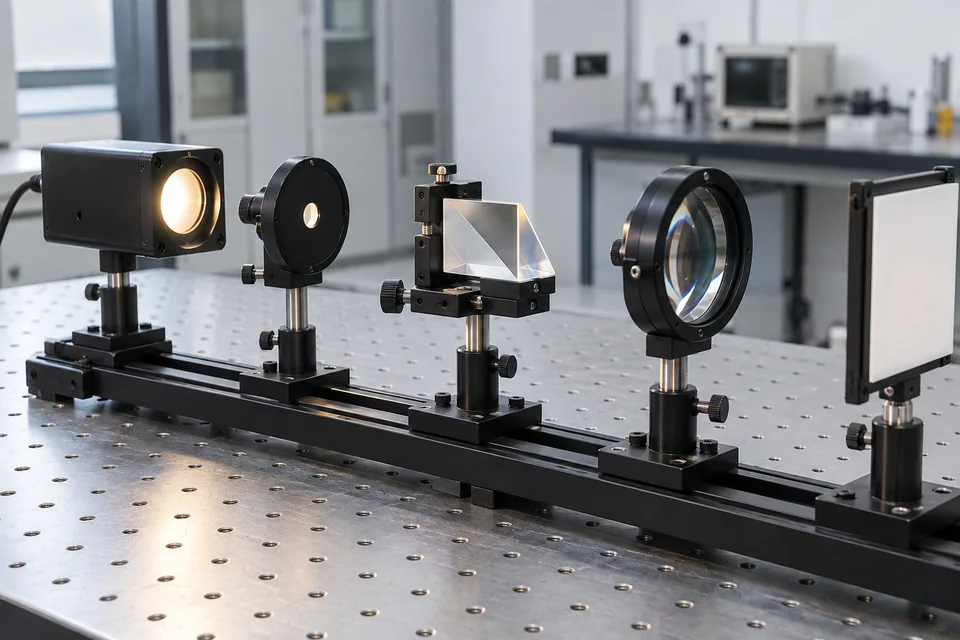
What to include in an optical component RFQ
Organize the product, material, dimensions, coating, quantity and application details you already know.
Open the checklist →Browse by product, material or application. Share a specification or drawing when you are ready to request a quote.
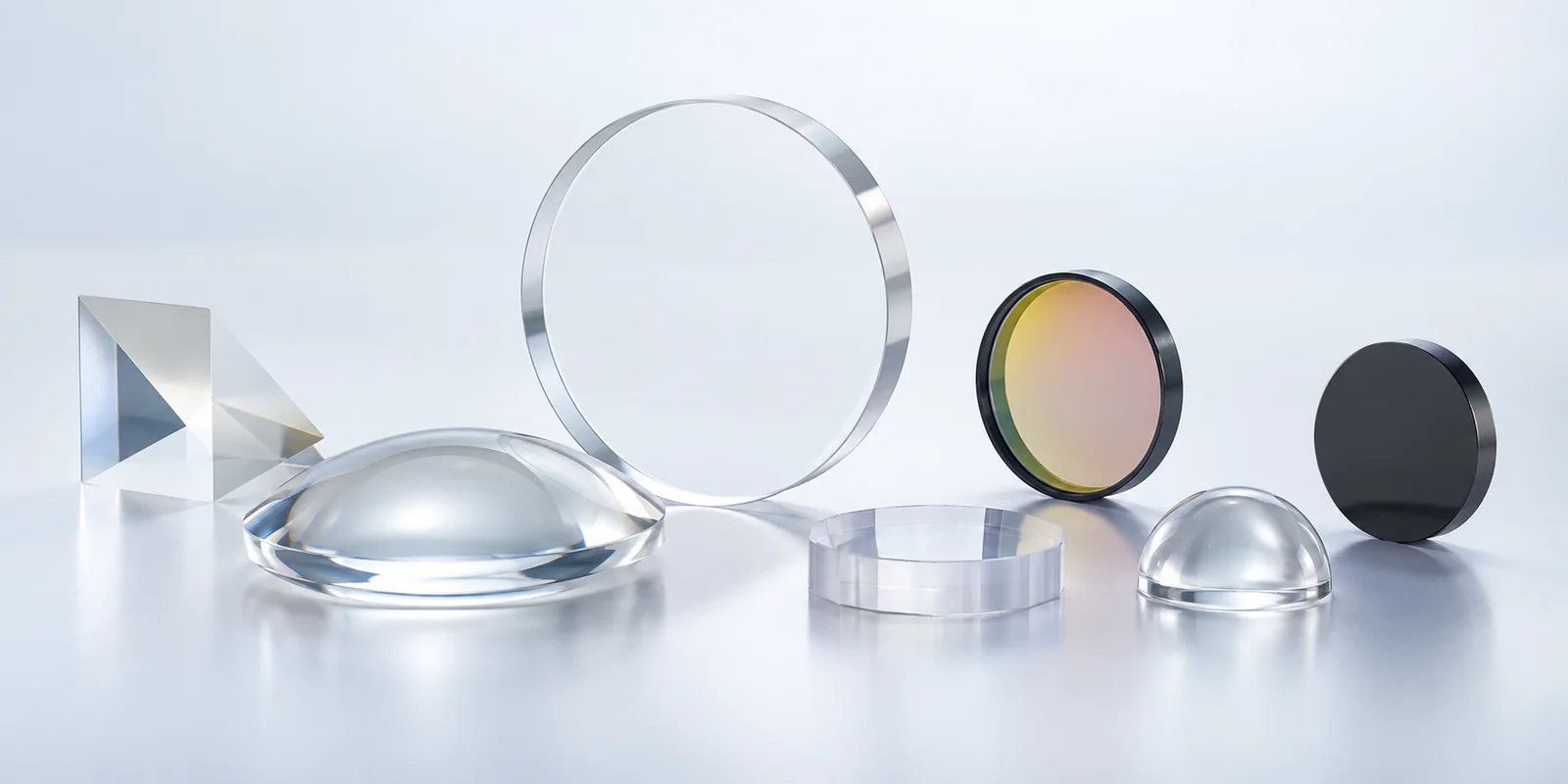
Start with the component family closest to your requirement.
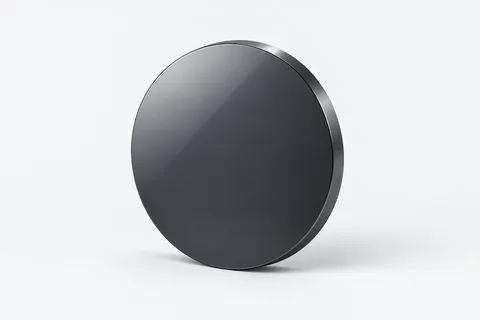 01 / PRODUCT FAMILYInfrared Optics6 products in this familyExplore family →
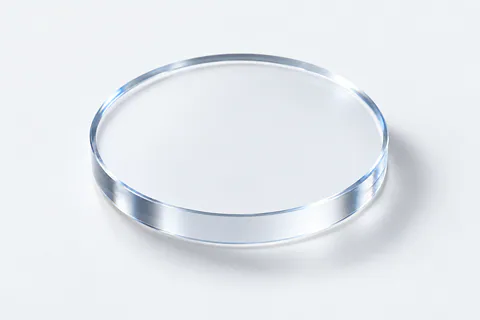 02 / PRODUCT FAMILYSapphire Optics8 products in this familyExplore family →
 03 / PRODUCT FAMILYLaser Optics8 products in this familyExplore family →
 04 / PRODUCT FAMILYAspheric Optics3 products in this familyExplore family →
 05 / PRODUCT FAMILYOptical Domes3 products in this familyExplore family →
 06 / PRODUCT FAMILYOptical Windows9 products in this familyExplore family →
 07 / PRODUCT FAMILYOptical Lenses16 products in this familyExplore family →
 08 / PRODUCT FAMILYOptical Filters9 products in this familyExplore family →
 09 / PRODUCT FAMILYOptical Prisms6 products in this familyExplore family →
 10 / PRODUCT FAMILYOptical Mirrors7 products in this familyExplore family →
 11 / PRODUCT FAMILYQuartz Products1 products in this familyExplore family →
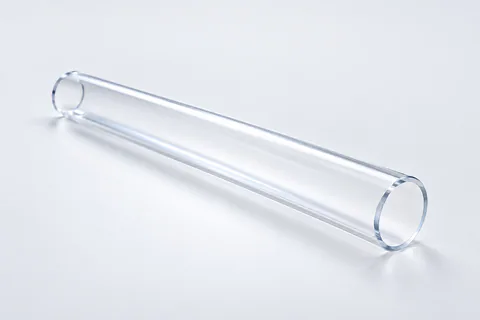 12 / PRODUCT FAMILYQuartz Consumables2 products in this familyExplore family →
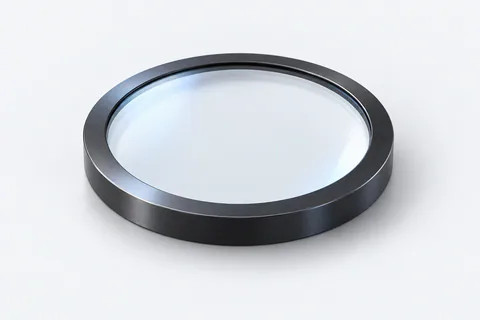 13 / PRODUCT FAMILYSensor Protection Optics1 products in this familyExplore family →
Use a material as a navigation starting point—not as a confirmed availability or suitability claim.
Focused routes for common product-discovery and RFQ needs.
Protective windows, crystals and shaped components.
Explore path →Material-led windows, lenses and domes.
Explore path →Windows and related laser optical components.
Explore path →Geometry-led lens selection and drawing review.
Explore path →Spectral-function discovery and RFQ inputs.
Explore path →Curved protection and enclosure-fit starting points.
Explore path →Explore selected products across priority sourcing categories.
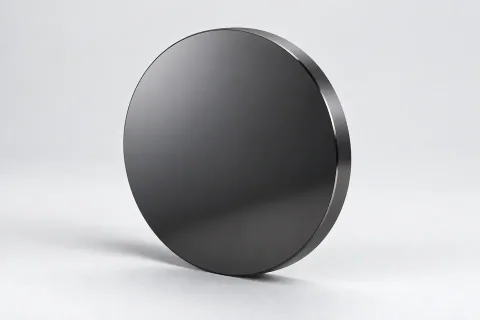
Review the product details and share your specification or drawing.
View product →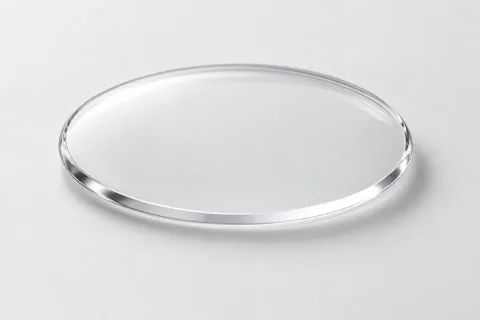
Review the product details and share your specification or drawing.
View product →
33 nominal size options · Cutting · High-power · Handheld welding
Browse Protective Windows →Connect the operating context to relevant products, materials and RFQ details.
Dongqiao organizes component discovery around the information a buyer already has. Supply details remain subject to explicit review and confirmation.
Prepare an RFQ →Compare product, material and application routes.
Start from a catalog category or share a drawing.
Identify the operating context before confirming details.
Carry the known dimensions, quantity and project context into the enquiry.
Practical guidance for buyers who have a drawing, a specification—or only an application.
Organize the product, material, dimensions, coating, quantity and application details you already know.
Open the checklist →Unknown specifications can remain open for review; do not guess simply to complete a form.
Start a drawing RFQ →A product name, a specification or an application is a starting point.